Search
Search by translation group ID
Search for items that are linked to the same translation group and verify what translations exist for the group by inputting one or more translation group IDs. (The translation group ID is the ID of the source item. It identifies a source item and connects it with any of its translations.)
You can also perform a search to find all translation groups within an item bank.
- Select Translation group ID from the menu next to the search bar.
- Click Yes in the prompt to acknowledge that the currently displayed search columns will be updated. This is because you cannot filter search results or define custom views for a translation group ID search.
- In the Search bar, input one or more translation group IDs or leave the search bar empty if you want to return all translation groups within the item bank.
 You must input only translation group IDs in the search (the IDs of the source items); you cannot use the item ID of one of the translated items (items that are not the original source item).
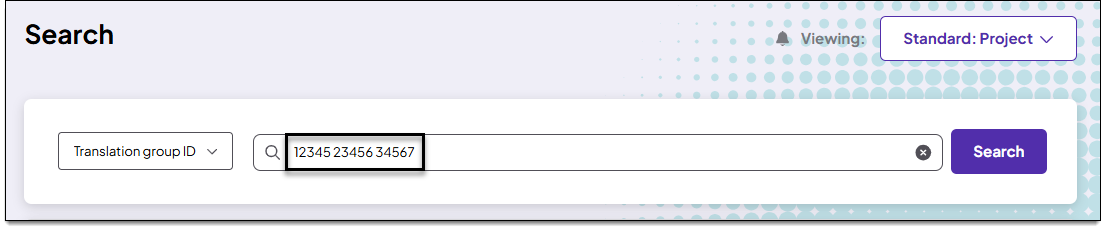
- If inputting multiple IDs, separate each ID with a single space as shown in the example below:
- Press Enter on your keyboard or click Search.
- While the search is loading, you can click Cancel to stop the in-progress search.
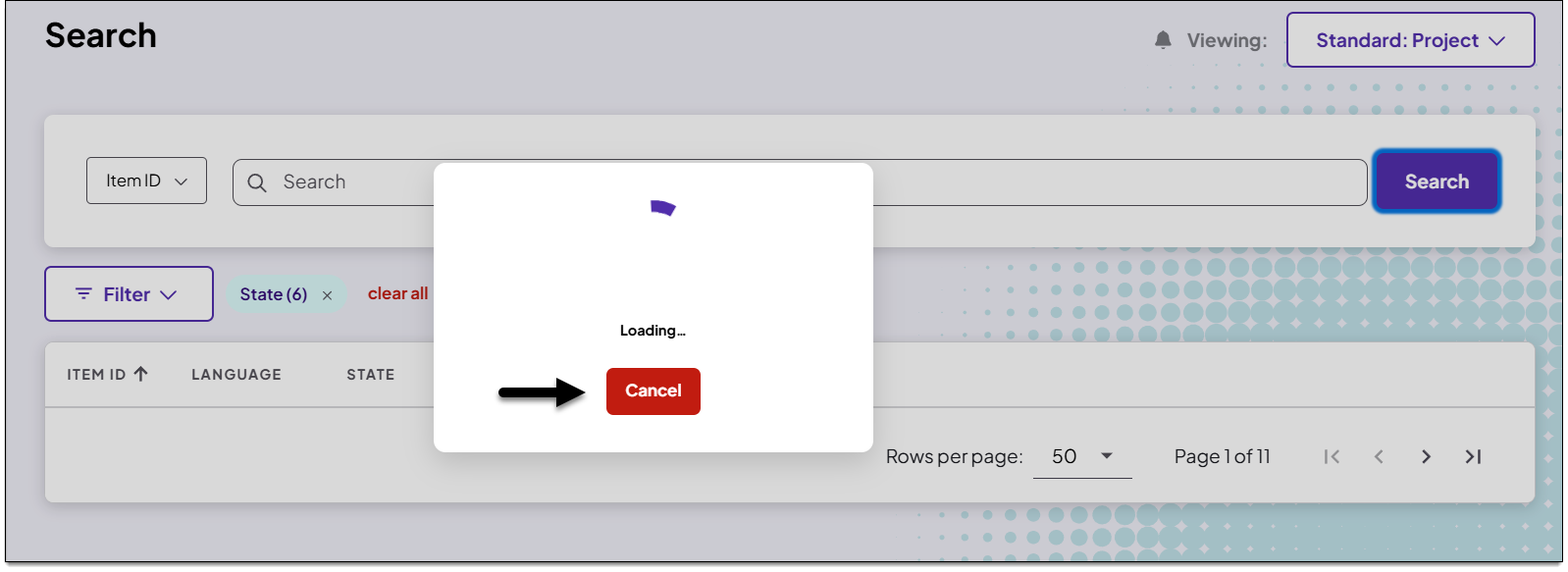
- While the search is loading, you can click Cancel to stop the in-progress search.
- The search results are displayed.
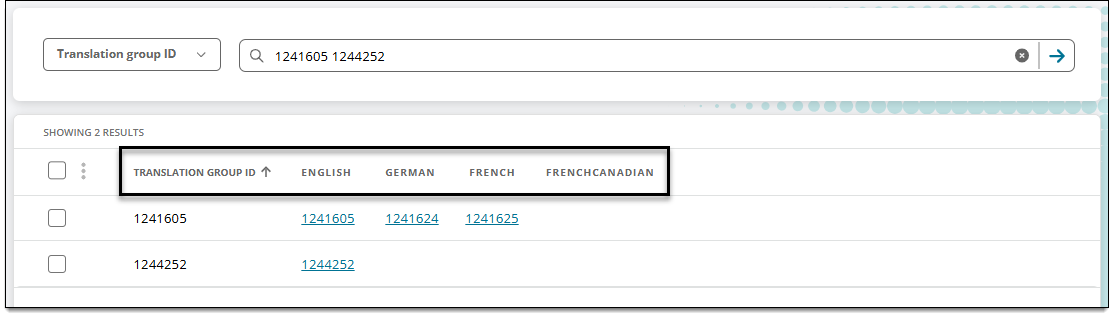
- If the item isn't translated but it is the 'source' (original) item, it will be displayed as a translation group ID without any translated item IDs
- If you input the item ID of a translated item in a translation group instead of the original/source ID, no results will be returned.
- In the search results, the Translation group ID will be listed first or furthest left, followed by the source language ID and any translated item IDs. For example, if a translation group has a source item in English and two translated items in German and French, the order of columns from left to right will be Translation group ID, English, German, French, and French Canadian. In this example, the French Canadian column is blank because the item has not been translated to that language: